


DNS Filter
Ensuring a safe and secure online environment for students.
DNS Filter from Senso gives organisations the power to block and filter websites directly at the DNS level, ensuring that unwanted and potentially harmful websites do not load on student devices.
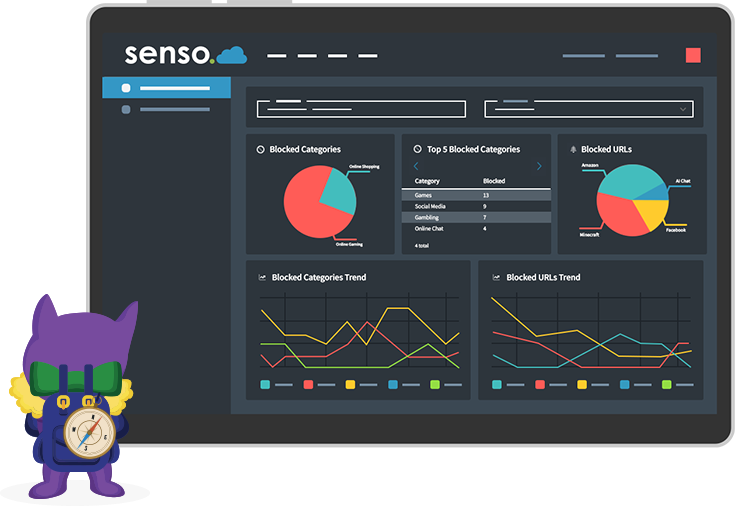
Restrict Access to Websites
The DNS Filter blocks access to websites by filtering out content based on the categories selected against your configured IP address. When a student on the configured IP address navigates to a website, a filtering process will take place between the IP address and the content being displayed.
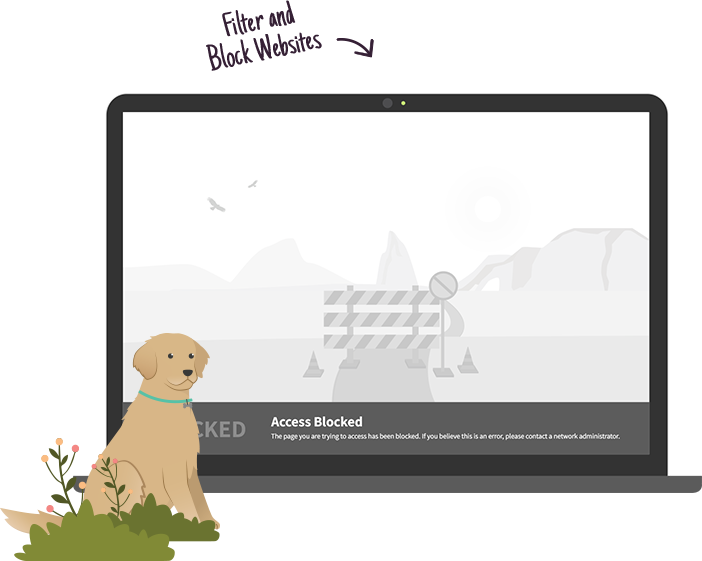
Block Harmful Content
FILTERING PROCESS
The filtering process categorises the website into groupings such as social networking, plagiarism, self-harm and much more.
RESTRICT CONTENT ACCESS
The filter will either allow access to the content or display a blocked page, preventing the user from accessing the websites configured for filtering.
View User Activity
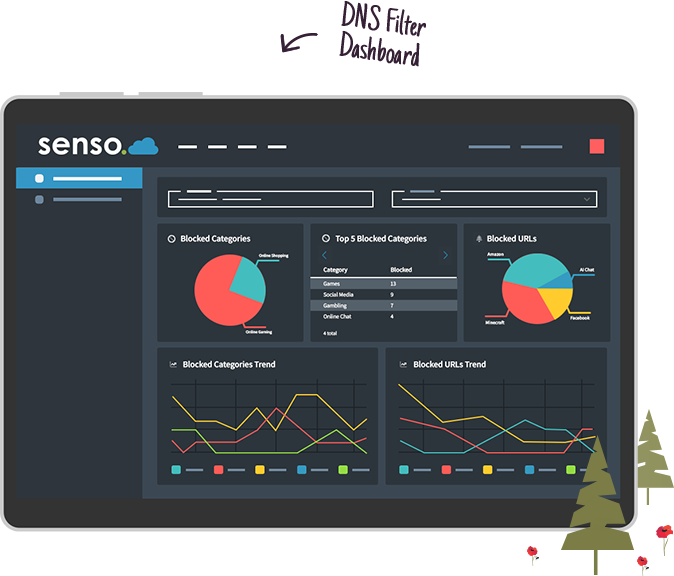
DASHBOARD
The dashboard offers an analytical overview of user activity, highlighting blocked categories and URLs within their DNS Filter.
VIEW DATA TRENDS
Easily detect commonly blocked categories and URLs accessed by students, along with the time periods these are blocked to understand behavioural trends.